

By default, webmail applications use the host server's time zone. If you are in a different time zone, you can change this setting. The exact steps to do this depend on the webmail application you are using. After you change the time zone setting, the interface displays all timestamps in the new time zone right away.
Our hosting servers are located in the EST/EDT time zone.
This guide describes how to change the time zone setting for your webmail application.
1. Log into your Webmail.
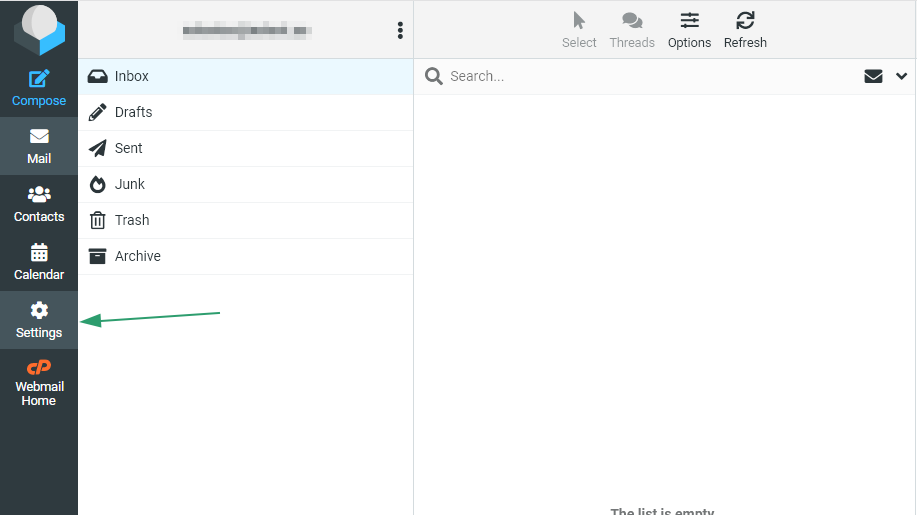
2. Click Settings:
1. Log into your Webmail.
2. Click Settings:
3. Click Preferences, and then click User Interface:
4. Select your time zone from the drop-down list, and then click Save: